A vault door is the least interesting part of vault security. The steel, the bolts, the hinges — they do exactly what they were built to do, every time. What decides whether the contents stay safe is the half-minute before the door opens: who is standing there, what they presented, and whether the system wrote it down. Get those three things right and the door rarely has to prove itself.
Vault access control comes down to three moving parts: credentials, which prove identity; barriers, which control the flow of people; and audit trails, which prove what happened afterward. Here is how each works in practice, and where beginners usually trip.
Every credential falls into one of three families. Mixing families is the whole point.
A keypad alone is one family. So is a badge. That is why vaults usually require two: badge plus PIN, or badge plus fingerprint. If a badge is lost, the finder still needs the PIN. If a PIN is watched over someone's shoulder, the watcher still needs the badge. Two families mean two separate ways to fail.
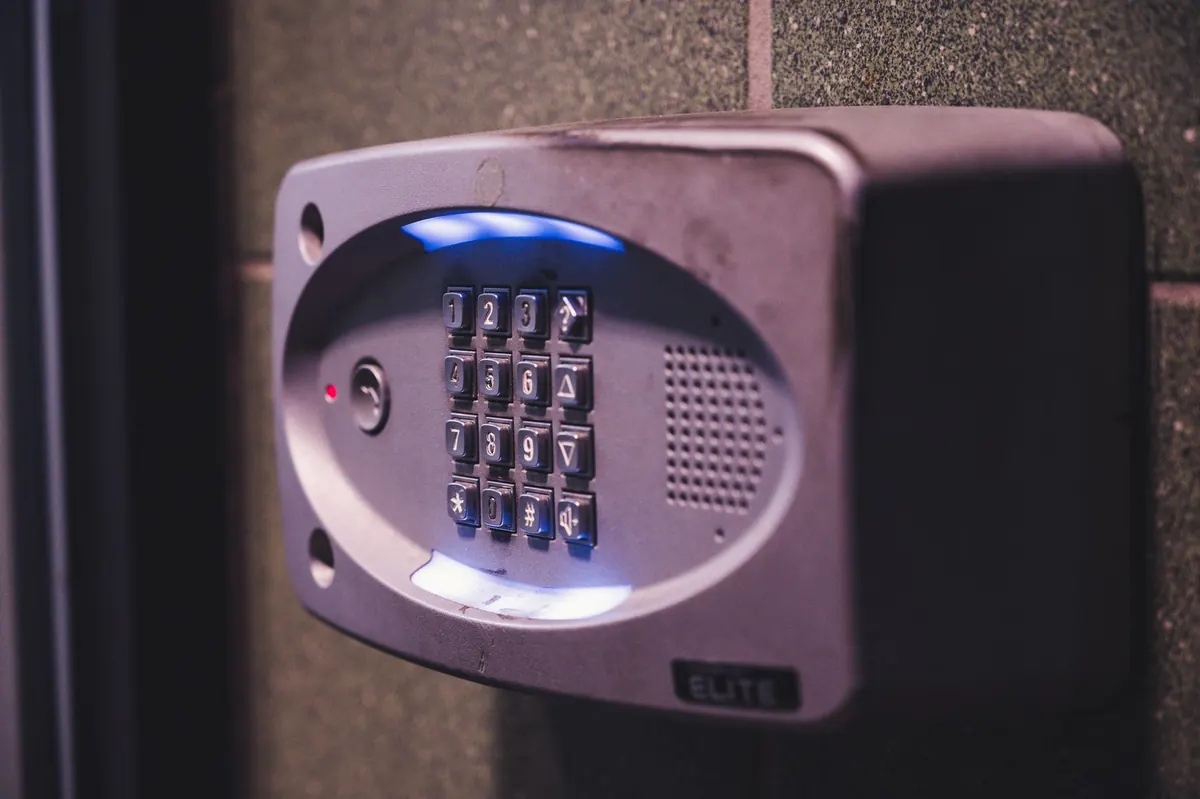
Keypads are cheap, durable, and easy to undermine. The hardware is rarely the problem.
The failures repeat. A department shares one code so nobody gets locked out at shift change. Someone writes the code inside a drawer. A code is never changed after an employee leaves. And a worn keypad — the same four digits polished smooth after two years — hints at more than any manual should.
Dual control means two authorized people must both act before the vault opens. Neither can do it alone, and both appear in the log. It removes the lone insider as a threat, which is why it is standard for high-value storage.
Split knowledge is a close relative: the combination is divided so no one person knows all of it. The difference is that split knowledge protects the secret itself, while dual control protects the act of opening.
Sequential entry is the mechanical version of the same idea. Doors are arranged so the second will not release until the first has closed and locked. In a small vestibule, that turns a group of five into five separate, individually logged entries. It is slow on purpose.
Tailgating is the friendly crime. Someone holds a door, a second person walks through, and the log shows one entry. Turnstiles make that courtesy impossible.
Optical turnstiles use infrared beams to count bodies, not just credentials. Tripod and full-height models add a physical barrier, and weight sensors catch the person who slips through beside a legitimate user. Mantraps, also called access control vestibules, go further: the first door must close and lock before the second opens.
Worth asking about when you compare systems:
Turnstiles manage flow and deter the casual intruder. They are not a substitute for the vault door itself or for alarms that respond when someone attacks the barrier directly.
A good vault log captures, for every event:
Two details decide whether a trail holds up. First, clock accuracy: every reader should sync to the same time source, because a few minutes of drift between two doors makes a sequence impossible to reconstruct. Second, retention: logs kept for a week are not much help when a discrepancy turns up a month later.
Nobody reads every line of a log, and nobody should pretend to. Review is a habit, not an event.
A practical guide to choosing a CCTV retention window: how storage, legal expectations and real-world detection...

A seasonal safe maintenance guide for winter: control humidity with desiccants, inspect door gaskets, replace lock...
A practical pre-breach checklist covering the behavioral, physical, and procedural warning signs that tend to show...

Monitoring the world's most secure vaults..
