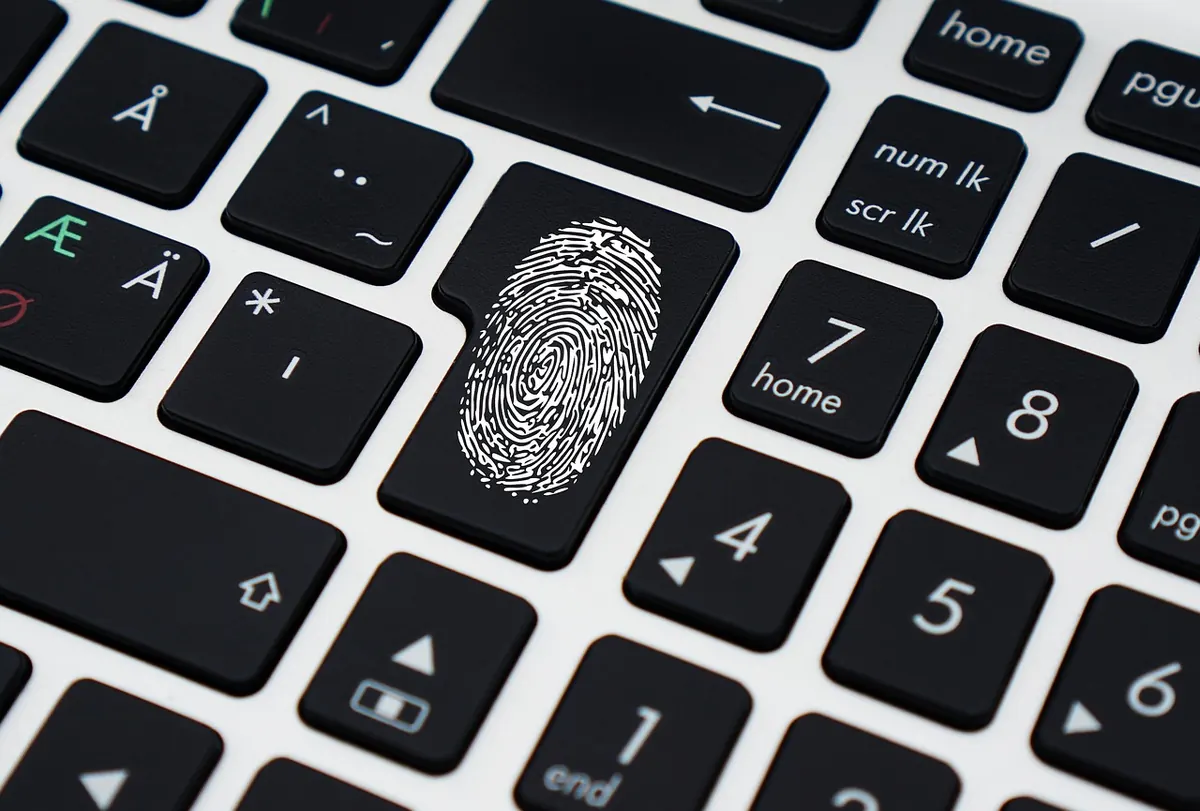
A safe's door is only as good as the lock on it, and the lock is the part you touch every day. It's also the part that decides how your safe fails — quietly, at six in the morning, with your passport and car title inside. Dial, keypad and fingerprint locks each break in their own way, and each has its own history of being talked open, rapped open, or left on a factory code nobody bothered to change. Reliability here isn't a spec-sheet number; it's a pattern of how the thing behaves year three, when the novelty has worn off.
A mechanical dial is the simplest of the three. Three wheels, a drive cam, a fence and a bolt. No battery, no circuit board, no sensor. The combination is geometry, and if the geometry is off by a fraction, the door stays shut.
A keypad lock is an electronic lock with a numeric face. You type a code, the board verifies it, and a solenoid or small motor retracts the bolt. Power comes from batteries — usually AA cells or a nine-volt block, occasionally a rechargeable pack.
A biometric lock is the same electronic lock with a different front end. A fingerprint sensor reads ridges, matches them against stored templates, then fires that same solenoid. Most consumer biometric safes also keep a keypad and a key override, and those fallbacks matter more to your security than the sensor does.
Mechanical locks don't die suddenly; they drift. You'll notice the dial feeling gritty or loose, the last number landing slightly off, a wheel that sticks in humid weather. Eventually a combination you've used for years stops working by a number or two, which means a service call rather than a new safe. Dust, wear and a hard slam are the enemies. The trade-off is real: a dial cannot run out of battery, and it tolerates years of neglect better than anything with a board inside it.
Most keypad failures aren't the code — they're power and contacts. Dead batteries, corroded battery terminals in a damp garage, a keypad membrane cracked after years of sun, a solenoid that sticks when it's cold, a board that gives up after a nearby lightning strike. Inexpensive locks fail sooner, and repeated wrong entries can trigger a lockout that leaves you staring at the door for several minutes. The quiet weak point is the override key cylinder: on many safes it's the cheapest lock in the entire assembly.
The sensor is the fragile part. Wet, dusty, very dry or cold fingers read poorly, and so do fingers with a fresh cut, heavy calluses, or skin that has changed with age. Children's prints are less consistent, and a print enrolled in humid summer weather can reject in a dry winter. Repeated false reads trigger lockouts that feel like a breakdown. The sensor glass also scratches and films over with handling. When the reader refuses you, you fall back to the keypad or the key — which is where the practical security of a biometric safe usually lives.
Dials use no power at all. Keypads and biometric locks both run on batteries, and both give warnings: beeps, a blinking light, occasionally a spoken alert. In normal home use you're looking at many months to a couple of years, depending on how often the door opens, whether the keypad is backlit, and how cold the room gets. Cold shortens battery life noticeably, which is why a safe in an unheated garage or a boat tends to complain first. Biometric models wake a sensor on every touch, so they can draw a little more, though the difference is usually modest in a household.
Almost nobody picks a fingerprint sensor. The bypass usually happens somewhere else entirely, and it's worth knowing which route applies to your lock.
The strongest lock in the world is irrelevant if the safe is bolted to nothing and the override key is in the kitchen drawer.
Think about who opens the safe and how often, not about which technology sounds most advanced.
No lock type is immune to failure — they just fail differently. A dial fails slowly and expensively but without warning signs you can miss. A keypad fails on power and cheap hardware. A biometric lock fails on your own skin. Choose the failure you can live with, learn the fallback, and test it while everything still works. If you're securing firearms, documents or business records, check your local storage requirements and, where it matters, take advice from a qualified locksmith rather than a shelf label.
Photo: TheDigitalWay / Pixabay
A practical introduction to vault entry systems: how credentials, dual control, and turnstiles work together, and...
A practical guide to choosing a CCTV retention window: how storage, legal expectations and real-world detection...

A seasonal safe maintenance guide for winter: control humidity with desiccants, inspect door gaskets, replace lock...

Monitoring the world's most secure vaults..
